MoodStir Trivia
One game system · two ways to run the room

A full trivia night, with or without a live host.

Build a custom game, review source-checked questions, bring teams in by QR code, and keep music, announcements, answers, reveals, and scoring inside one coordinated flow.

Hostless does not mean unattended. MoodStir can be the voice and run the set flow while an on-site operator keeps pause, recovery, and correction controls.

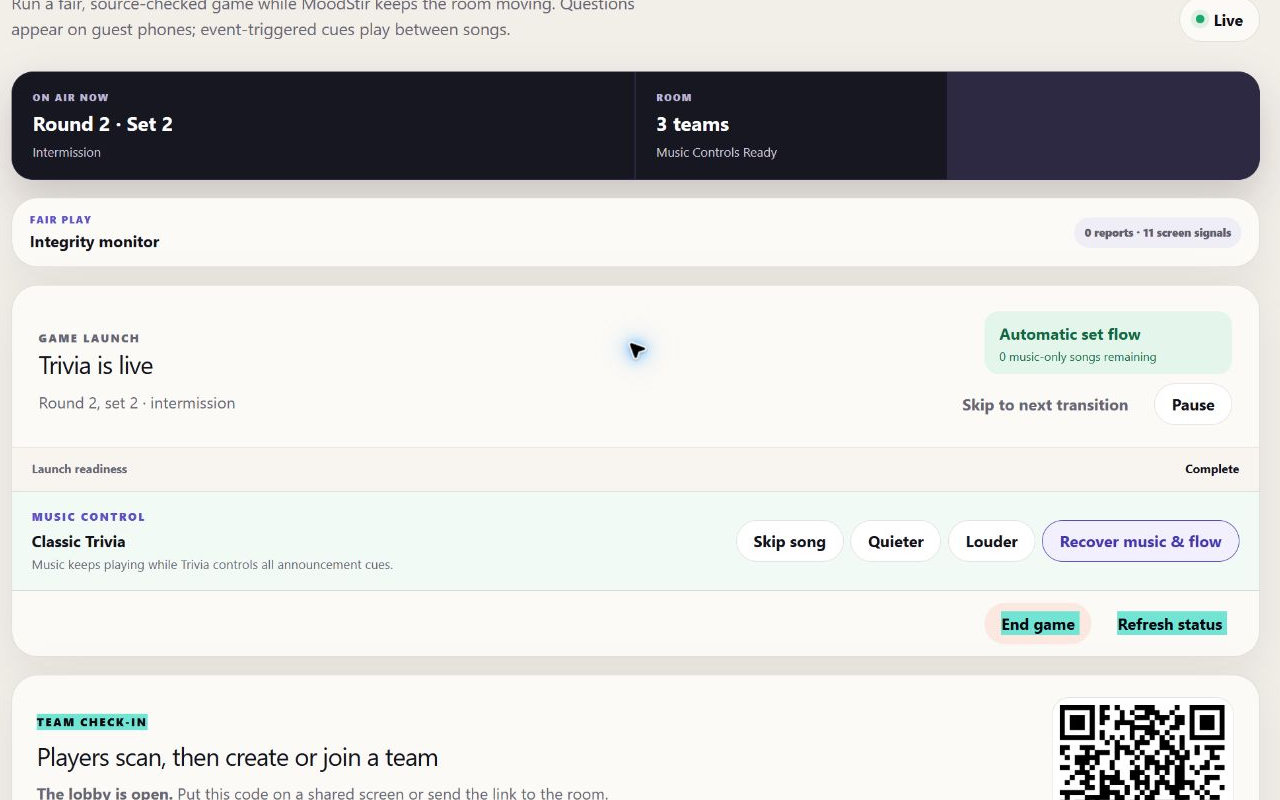
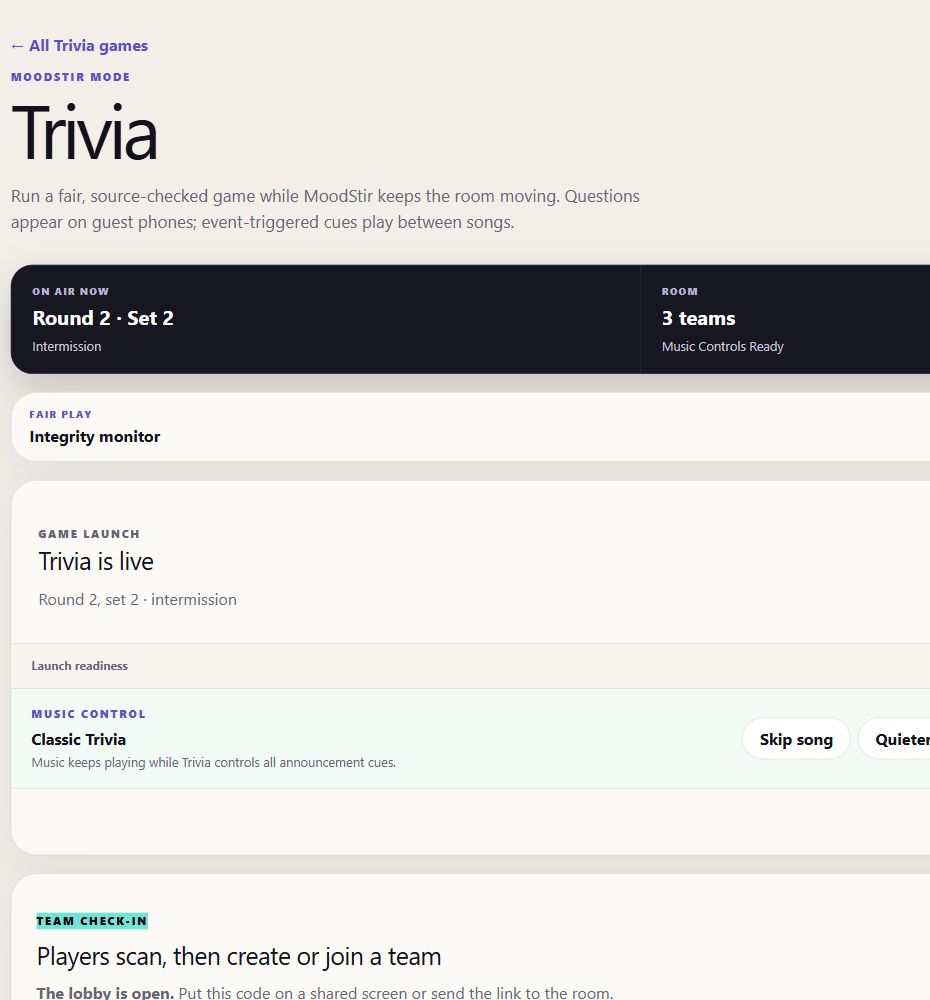
Trivia control roomLIVE
Automatic set flowRound 2 · Set 3
02:18
All five questions are openAnswers close when the song ends
End this set nowPauseQuieterLouder
Live scoreboard
1Quiztopher Walken18
2The Clever Tracks17
3Risky Quizness15
The Clever Tracks17 pts
R2 · S3 · 2/5 locked2:18
Sciencemedium

What gas makes up most of Earth’s atmosphere?

AOxygenBNitrogen 2 votesCCarbon dioxideDHydrogen
Lock team answer
Host controlsPlayer phonesRoom audio
Source-backed questions with independent checks
QR team check-in—no player app required
Music-led sets, clues, recaps, and breaks
1One shared clock and one point per correct answer
What Trivia is for

Make a whole-room game easier to produce—and easier to repeat.

MoodStir Trivia is designed for venues and event organizers who want more than a stack of questions. It combines preparation, team play, room audio, pacing, scoring, and recovery controls so the experience does not depend on five disconnected tools.

01 / Prepare

Build for this room

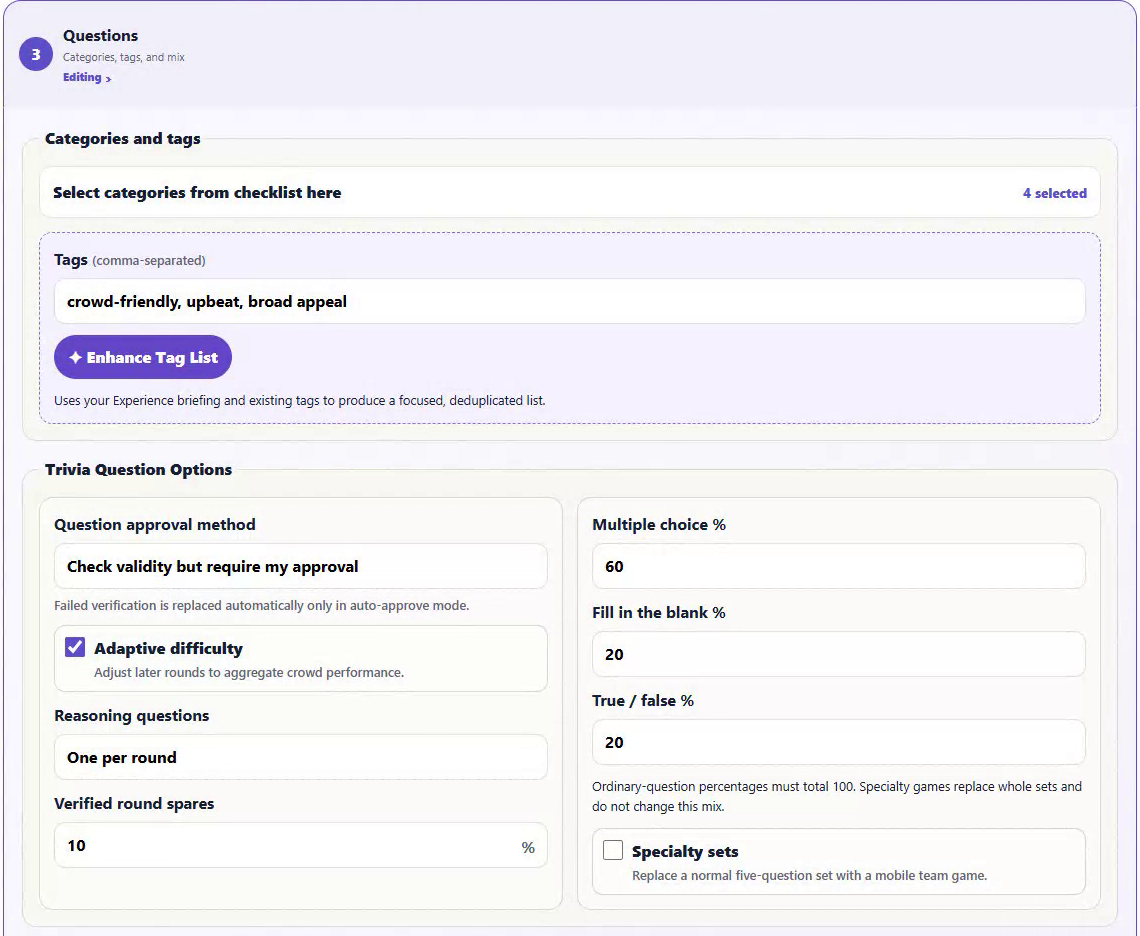
Choose the game length, categories, answer mix, audience rating, prizes, music profile, and optional facts about the venue or occasion.

02 / Engage

Give every teammate a voice

Players join from their phones, vote on answers, and see their own team’s thinking before the captain locks the official response.

03 / Operate

Keep the room moving

Music, spoken cues, answer windows, reveals, standings, and intermissions follow the same game state—with controls ready when the room needs help.

How a game works

From blank game to final standings.

The host prepares the experience once. MoodStir then gives the operator and every team a synchronized view of what happens next.

01

Shape the game

Set 1–3 rounds, 1–5 five-question sets per round, categories, tags, question formats, content rating, prizes, and music direction.

02

Generate + review

MoodStir builds Round 1, checks each question against separate sources, and lets the host approve, replace, or explicitly override a warning.

03

Open the lobby

Share the QR code or link. Players create or join teams, choose a captain, and can vote on categories when that option is enabled.

04

Play by the song

Each five-question set stays open for one full song. Teammates work across the set, vote, and lock answers before the shared deadline.

05

Reveal + score

MoodStir recaps the answers, updates standings, moves through music breaks, and finishes with the final leaderboard and winner.

Two ways to run the room

Keep the emcee—or let MoodStir take the mic.

The underlying game, player phones, music, timing, and scoring stay the same. What changes is who carries the room between those moments.

Live-hostedHuman energy + digital game flow

Give your host better tools.

A live emcee keeps the personality and reads the room while MoodStir handles the structured work behind the game.

  • Prepare with confidenceReview prompts, answers, reveal facts, music clues, and sources before approving the round.
  • See the whole roomFollow check-in, team scores, the shared clock, current set, and automatic transitions from one console.
  • Intervene when neededPause or resume, end a set early, skip a transition, control volume, recover the music flow, or void and rescore a reached question.
Best for a signature weekly night, entertainer-led event, or room where live banter is part of the draw.
DJ-ledNo live trivia emcee required

Run a polished game without hiring a host.

MoodStir’s voice and automatic set flow carry the questions, answer recaps, score updates, music breaks, and final results.

  • Choose the on-air personalityUse a solo DJ or two-voice format, with selectable voices, names, personas, and room-attention style.
  • Let the set flow runQuestions open together for one song; recap, break music, and the next set follow automatically.
  • Keep a human safety layerAn on-site staff member opens and starts the game, monitors the room, and retains pause, recovery, correction, and end controls.
Best for adding recurring trivia where staffing, host availability, or production cost would otherwise get in the way.
A team game—not five isolated phones

Everyone can answer. One response represents the team.

Each player sees the same questions and can change a vote while the set is open. The captain locks the official team answer; if time expires first, a clear team majority wins and the captain’s vote breaks a tie.

  • Multiple choice, fill-in, and true/falseThe host chooses the overall mix, with a fill-in title or artist question included in each round.
  • Music belongs to the gameEach round includes a related-song clue, and the track title and artist stay hidden until the answer reveal.
  • Feedback improves future playPlayers can rate individual questions and share set feedback; the host can export question-level performance for review.
The Clever TracksTeam answer room
3 of 5 locked
Question 4 · Music · fill in

Name the artist connected to the clue playing in the room.

PriyaAnswer submitted
MarcusAnswer submitted
Jamie · captainReviewing the team
Team discussion stays privateOnly the official locked answer is scored.Lock team answer
Round 1Question review24 verified · 1 needs attention
Historymediumindependently checked

Review the prompt, four choices, answer, spoken reveal fact, and evidence before it reaches the room.

1Primary source2Independent source
ApproveRejectReplace question
Approved rounds are frozen.The game keeps using the reviewed pack even if generation or web access is unavailable later.
Prepared for trust and recovery

Check the content before the room hears it.

Generation and verification are separate steps. A question needs a source, a different independent source, one supported answer, unique choices, and clean wording before ordinary approval.

  • Replace only what is weakA rejected or flagged question can be regenerated without rebuilding the entire round.
  • Fair scoringEvery team shares the same server-authored window. Correct answers earn one point, with no speed bonus.
  • Correct live mistakesThe operator can void a question already reached, reverse its points, and recalculate the ranking.
Make it your game

Evergreen trivia, venue flavor, or something personal.

Start from broad categories, build a category list from a description, or add host-approved source material about a venue, menu, organization, or guest of honor.

Weekly venue trivia

Create a repeatable format for bars and restaurants while excluding recently used facts and tracking how questions performed.

Corporate + team events

Mix general knowledge with organization-approved context for a game that feels connected to the group.

Birthdays + celebrations

Use host-provided facts, favorite topics, prizes, and a custom DJ personality to make the guest of honor part of the night.

Community + pop-ups

Schedule a one-time game, share one join link, and give a temporary room a complete music-and-trivia flow.

Crowd-aware options

Enable lobby category voting, adaptive later-round difficulty, or a future-question assist based on a trailing team’s selected strength.

Your sound between questions

Choose Classic Trivia, High Energy, Lounge Trivia, or an eligible saved venue music profile copied just for the game.

Trivia questions

What operators usually ask first.

Do we need a live trivia host?

No. A live host can use MoodStir as the game and production system, or MoodStir’s DJ voices and automatic set flow can carry the room. The hostless format still requires an on-site operator to open and start the game, monitor it, and handle any pause or correction.

Do players need to download an app?

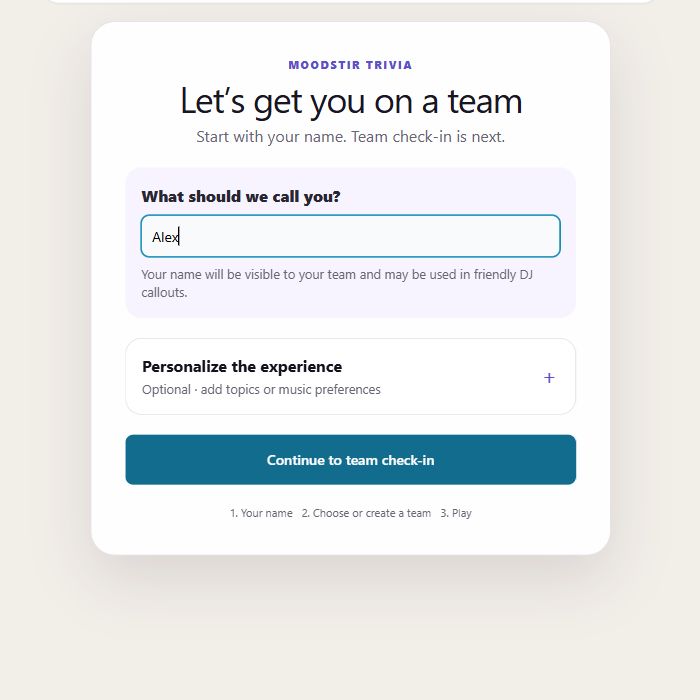
No. Players scan the venue QR code or open the shared link on their phones, enter a name, and create or join a team in the browser.

How are team answers decided?

Every teammate can vote while the answer window is open. The captain can lock the official answer. If the deadline arrives first, a clear majority becomes the team answer and the captain’s vote breaks a tie.

Can we use our own topics or facts?

Yes. Choose categories and tags, describe the audience to build a category list, and optionally provide host-approved material about the venue, menu, occasion, people, or organization for the DJs or custom questions.

How does MoodStir check generated questions?

Question generation and verification are separate. The host can inspect the prompt, answers, reveal fact, sources, and any verification warning, then approve, reject, replace, or explicitly override before the round is frozen.

What happens if a question is wrong during the game?

The operator can pause, void a question the game has already reached, reverse awarded points, and recalculate the leaderboard. Future questions cannot be voided before they are reached.

How does music fit into the format?

Lobby music carries recurring join reminders. During play, each five-question set uses one full song as its answer window, recaps and score announcements follow game events, and music-only breaks separate rounds. Each round also includes a related-song clue.

Build the night once. Run it your way.

Bring your host—or let MoodStir take the mic.

Tell us where you want to run trivia, how often, and whether you have a live emcee. We’ll walk through setup, team play, room audio, operator controls, and the right deployment path.

MoodStir